Inkwell
Image Editor
Overview
Professional bitmap editing with layers, masks, filters, and full tablet support.
Inkwell is a complete image editing solution in your browser. Whether you're retouching photos, creating digital paintings, or designing UI mockups, the professional layer system, advanced brush engine with full tablet support, and comprehensive filter library have you covered. Export to PSD to continue in other software seamlessly.
Inkwell is free to use — no backing, no subscription.
Key Features
Non-destructive layers
Advanced brush engine
Tablet pressure sensitivity
25+ blend modes
Layer masks & effects
Retouching tools
PSD import/export
Up to 16K resolution
Works on Every Screen
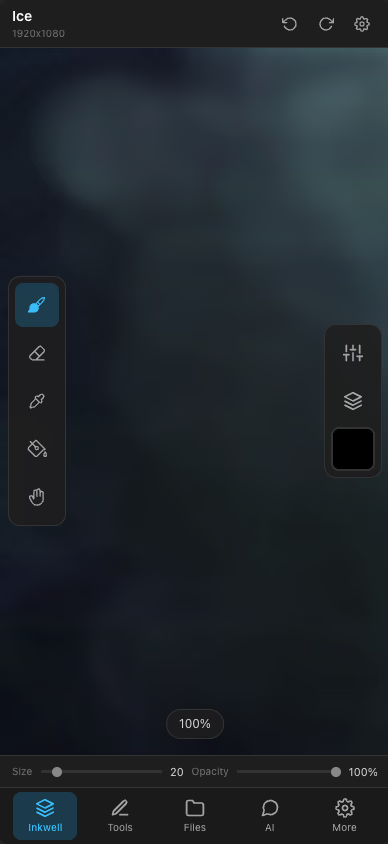
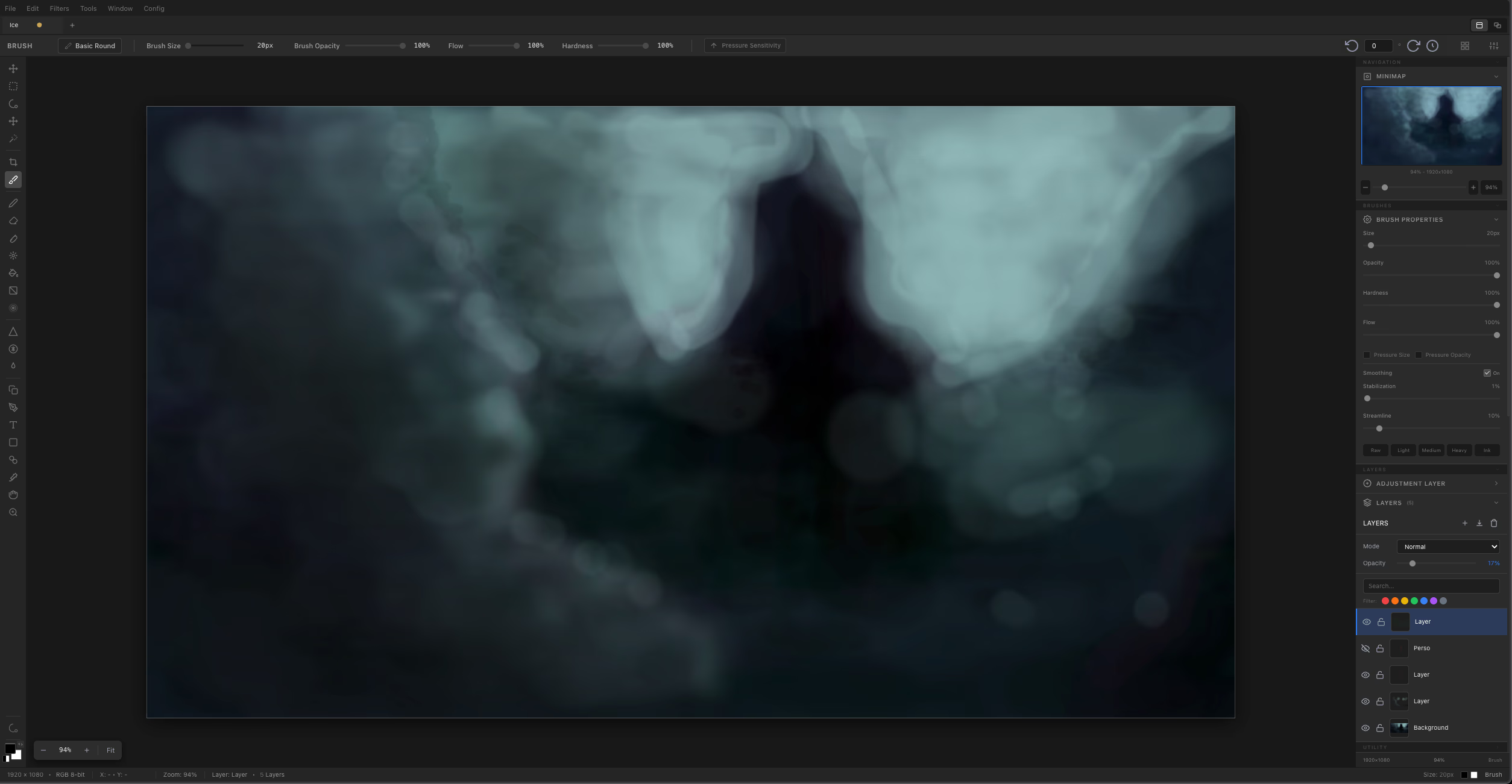
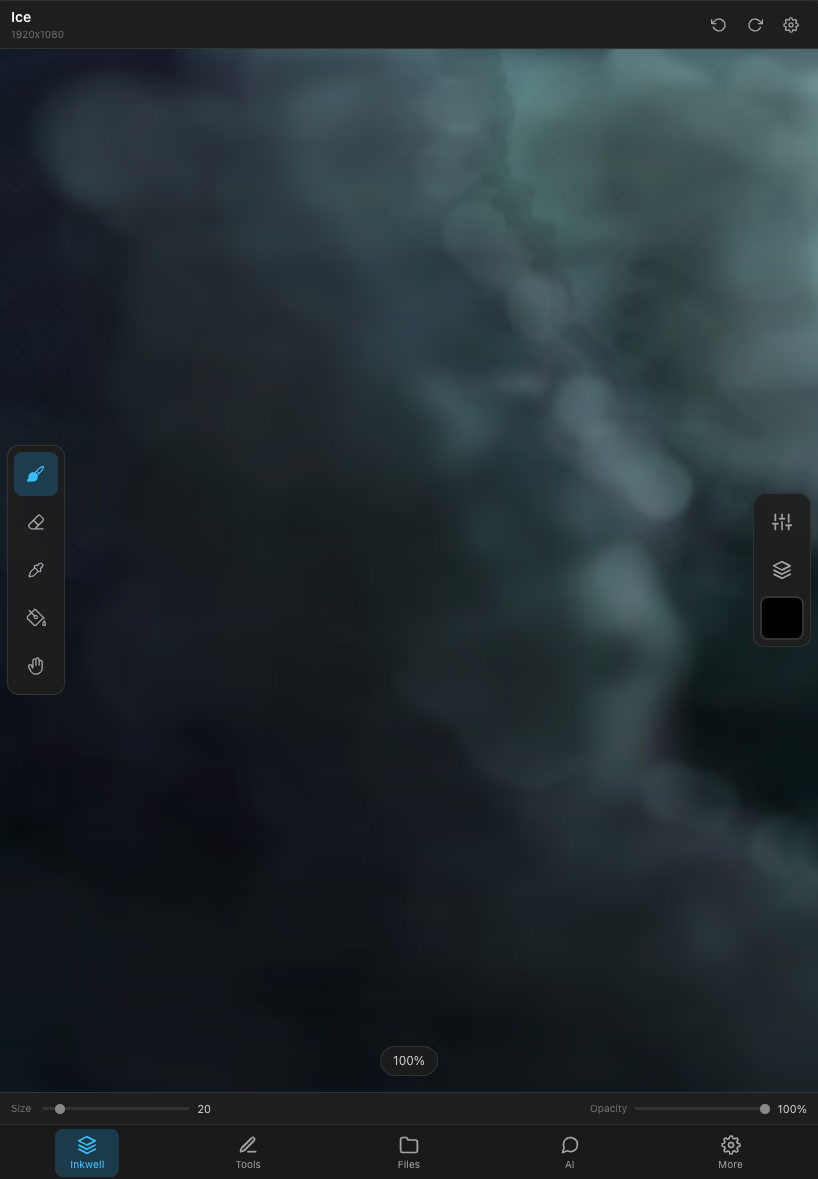
Gallery


Frequently Asked Questions
Does Inkwell open Photoshop files?
Yes — PSD import and export are supported, with layers preserved. Some Photoshop-only adjustment layers and smart objects flatten on the way in, which is the usual limit of any PSD implementation that is not Photoshop.
How large an image can I work on?
Up to 16K. Very large canvases are limited by the memory of the machine you are on more than by the software, so a laptop will run out before the format does.
Does my drawing tablet work, with pressure?
Yes. Pressure, and tilt where your tablet reports it, drive brush size and opacity. Wacom, Huion, XP-Pen, iPad with a stylus and Surface pens all work through the browser's pointer events — no driver to install for aukimi specifically.
Are the layers non-destructive?
Layers, masks and effects are non-destructive: an adjustment can be re-edited or removed later, and masks stay separate from the pixels they hide. Over 25 blend modes are available.
Can I paint a texture here and use it in 3D?
You can, though Pigment is the module built for it — it paints directly on the model across PBR channels. Inkwell is the better choice for a texture you want to author flat, or for touching up a bake.
What happens to my work if I close the tab?
Projects are saved to your account, not to the tab. Closing the browser, or opening the same project on another machine, does not cost you anything you had saved.
Free Tools You'll Love
Color Palette Generator
Generate beautiful color palettes instantly
Image Resizer
Resize, compress and convert images in seconds
CSS Gradient Generator
Design beautiful CSS gradients visually
Favicon Generator
Create favicons from images or text
Text Case Converter
Convert text between any case format instantly
Color Converter
Convert colors between HEX, RGB, HSL and Tailwind